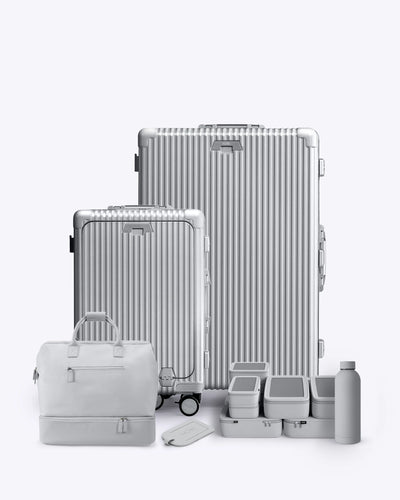
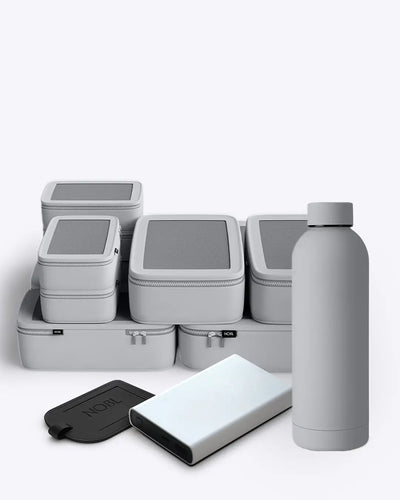
NOBL MANUALS - CARRY-ON: ALL-IN-ONE WIDE HANDLE
1. Introduction
Welcome to the NOBL family! Thank you for purchasing the NOBL Carry-On All-in-One Wide Handle Suitcase. Designed for the modern traveler, this suitcase offers durability, convenience, and smart features to enhance your travel experience. This manual will guide you through the functionality and care of your new Carry-On All-in-One Wide Handle Suitcase.
2. Dimensions

CARRY-ON ALL-IN-ONE WIDE HANDLE
INTERIOR MEASUREMENTS
13.8" X 7.7" X 19.9"
WEIGHT - 9.9 LBS
CAPACITY - 38L
3. Features
4. Usage Instructions
Packing
- Open the Suitcase: Unlock using the dual combination locks.
- Pack Efficiently: Organize your items in designated compartments.
- Secure Your Items: Fasten belongings with the NOBL Y-Strap Compression System to maximize packing space.
- Lock the Suitcase: Close the suitcase and lock it using the combination locks.
Charging
- Insert Your Power Bank (Not Included): Place it in the front compartment's designated slot.
- Connect Your Devices: Use the built-in multi-USB-C ports.
- Charge on the Go: Ensure your power bank is fully charged before traveling.

5. Locking
TSA Accepted Locks
- Ideal for air travel, features the TSA-recognized Travel Sentry logo.
- Allows airport screeners to unlock, inspect and relock bags without damaging the lock.
- For more information on the Travel Sentry Approved override system,
please visit travelsentry.org

How to Set
The lock combination is preset to 0-0-0.To set your own combination, please follow the steps below:
1. Turn the dials (B) to the correct combination at unlocked status.
2. Press down the reset button (A) with a pen or other tool.
3. Set your own combination by turning the dials (B), e.g. 8-8-8.
4. Push the push button (C) at either side with the reset button pop up.
Now the setting is finished. To set another combination please repeat the steps above.
Please remember your combination – if you forget it, there is no way to open your lock
USB charging socket function (D)When either side of USB-A and Type-C male connector is connected with the power bank, both of the USB-A and Type-C female socket on the lock can be used for battery charging. It is recommended to use the original cable to connect to your phone when charging

Side Lock
How to reset the combinationThe original combination is 0-0-0.
If you want to reset the number, please follow the below steps:
1. Slide the resettable button (1) from "OFF" to "SET";
2. Dial the numbers (B) to your desired code (e.g.:888);
3. Slide back the resettable button (A) to "OFF". You can now open the lock with the new code.
How to use combination lock1. Align your code with the display window, then press the two push buttons (C) to open the lock.
2. Press down the lock to latch the luggage, then turn the numbers randomly.
3. Now it is locked.
SIDE LOCK (TSA16138)

Warning
If the TSA cylinder is accidentally turned to the wrong position, make sure to turn it back until the line/slot points to the red dot (follow the direction of the arrow). Use a small tool (such as a pen tip) if needed. This ensures the lock works correctly.

6. Maintenance and Care
- Cleaning: Wipe the exterior with a damp cloth. Avoid harsh chemicals.
- Storage: Store in a cool, dry place when not in use.
- Handling: Avoid overpacking to prevent damage to locks and compartments
Locks not opening?
- Double-check your combination.
- Clear any debris obstructing the lock system.
8. Warranty and Customer Support
Your NOBL luggage comes with a Lifetime Warranty over manufacturing defects in materials and workmanship for the product’s full useful life. Lifetime Warranty covers defects in materials and workmanship that affect the performance or function of your
NOBL luggage including wheels, handles, zippers, locks, or structural issues.
For support, contact us at:
hello@nobltravel.com
Thank you for choosing Nobl Travel!
We hope your new luggage enhances your travel experiences.